


Millions of videos go viral online every day, but most people don’t know where they came from or who shared them originally. This is a big problem when you want to know if a video is real, repurposed, or taken out of context. A lot of people have trouble since they don’t know how reverse video search works or which strategy will really assist them locate answers. Searching by video might be complicated and incomplete if you don’t know how to do it right.
Our team of experts at Phoenix Dial helps people search video reverse using tried-and-true methods and tools that we know work from our own experience. In this article, you’ll discover how to reverse search a video step by step and be sure of where it came from.
What Is Reverse Video Search?
Using the video itself, not text, to find out more about it is called a reverse video search. You look for the source of a video clip or a screenshot. This method shows you how to track out the source of a video and the first person to distribute it.
People use it to find out if a video is legitimate, has been reused, or has been changed. Reverse video search lets you look for videos instead of text. You either submit a video clip or take a good picture of it. Then, a video search tool looks for videos that are similar to the one you want. This approach makes it easier to identify videos and find their source immediately.
How it works in basic terms:
Reverse video search doesn’t look at the complete video at once. You capture one or more pictures of the video. After that, you send those pictures to a tool that lets you search for videos in reverse. The program looks at the picture and compares it to other pictures and videos on the internet. This is how reverse search video techniques can help you identify video sources and other clips that are similar.
Difference between reverse image search and reverse video search:
You can only use reverse image search with one picture. You upload a picture and see where it shows up online. Instead, reverse video search uses frames from videos. You take screenshots from a video and then look for them using video reverse methods. Reverse video lookup works with moving pictures, but image search only works with still photographs.
Why Reverse Video Search Is Useful
A lot of people watch videos online and want to know where they came from or if they are real. This is feasible thanks to reverse video search. It enables people to find out where a video comes from, check its accuracy, and even identify other videos that are similar online. You may save time, avoid false information, and safeguard your own content by using reverse search video technologies.
Find the Original Video Source
Finding the original video source is one of the key uses of reverse video search. A lot of the time, videos are shared on different sites without giving acknowledgement. You can find the first upload or the original creator by using a video searcher or a reverse video search tool. This is useful if you want to properly cite a video or find out where it came from, as when you want to find a dreamy bull original video or a yes king video original video online.
Check if a Video Is Real or Fake
Fake videos may spread quickly, especially on social media. You can use reverse video lookup to check if the footage is real. You can find modified or deceptive content by comparing screenshots with other web sources. This procedure helps you find videos and makes sure you don’t post misleading information.
Find the Full Version of a Short Clip
You might just have a brief snippet of a lengthier video. You can discover the full version with video reverse search. Tools that enable you to search by video reverse can find full uploads or videos that are comparable. This is helpful if you want to know more about the video, its background, or how long it was originally.
Protect Your Content from Misuse
People who make videos are often worried that someone would steal them or post them again without authorization. Reverse video search tools can assist you find out where your videos are online. You may find out whether someone is using your work without permission by doing a reverse video search. This keeps your content linked to you and stops people from sharing it without your permission.
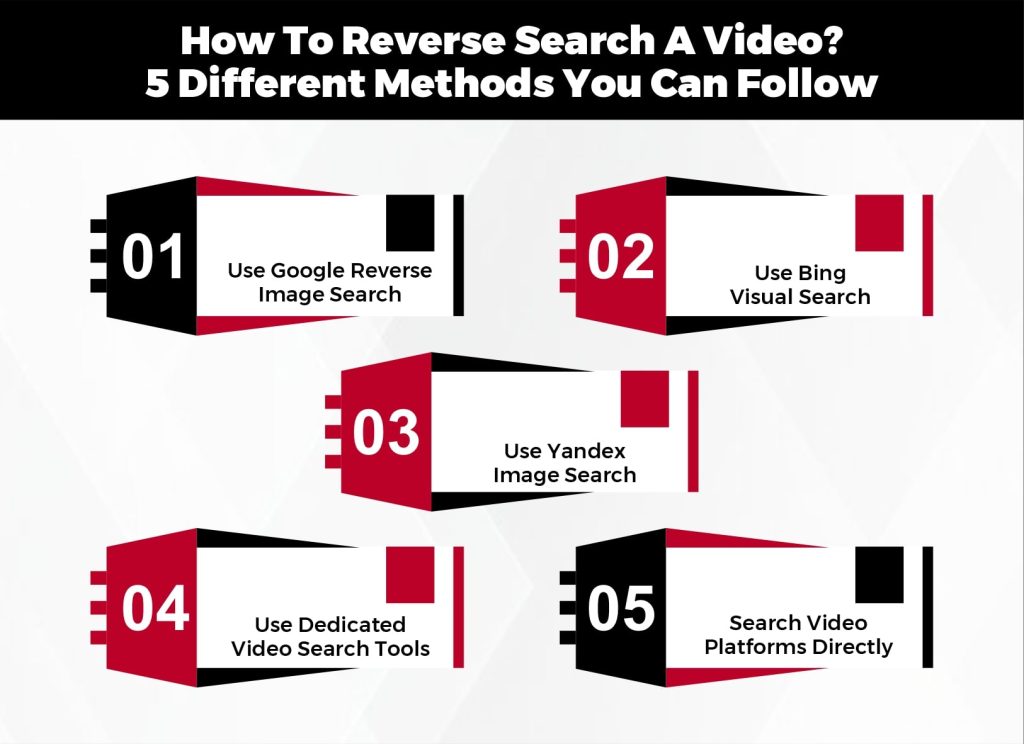
How To Reverse Search A Video? 5 Different Methods You Can Follow
It can be hard to find the source of a video, especially if it shows up on a lot of different sites and gets shared a lot without acknowledgement. A lot of people have trouble finding out where a video came from or if it’s authentic. There are easy and dependable ways to reverse search by video using a variety of tools and approaches.
Use Google Reverse Image Search
One of the simplest methods to get started is to take a clean screenshot of the video and publish it to Google Images. Google will then show you pictures and videos that are similar, which might help you determine the source of a video or find more clips that are connected.
This strategy works well for videos that are famous and go viral on social media. Take screenshots from different points of the video to get better results. This makes it more likely that you’ll locate the original upload or something related. Anyone who wants to learn how to reverse video search can start with Google reverse image search.
Use Bing Visual Search
Bing has a visual search feature that works like Google’s but sometimes finds things that Google doesn’t. You can input screenshots from a video, and Bing will try to find internet content that matches them. This is useful for search reverse video activities.
This approach can find other sources, republished videos, or clips that have been slightly changed. If you want to look at a lot of other sources or find footage that Google doesn’t have, Bing’s reverse video search is a good tool to use. It works exceptionally well for finding different versions of popular videos on the web.
Use Yandex Image Search
Yandex is a really good search engine, especially for finding things from other countries. You can do a reverse video lookup by submitting a screenshot from your video. This typically brings up foreign sources or earlier uploads that other search engines overlooked.
Yandex is helpful for keeping track of content that has been shared many times or is available in more than one language. Yandex can help you uncover the source of a video that has been shared throughout the world or a rare clip that other tools might not be able to find.
Use Dedicated Video Search Tools
Some specific platforms, such as InVID, include special capabilities for checking videos. You can use these video search tools to look at frames from videos, examine metadata, and identify recordings.
This is the best way for journalists, researchers, or content providers to rapidly check if a video is real. These kinds of tools frequently include other capabilities that make it easier to search for videos, such finding out where the movie first appeared or spotting edited frames.
Search Video Platforms Directly
You can also search directly on video platforms like YouTube, TikTok, or Facebook. Use keywords, hashtags, or the exact title from the video, along with upload dates or creator names, to locate the original content.
This method works well for finding viral clips or how to find original video from clip situations. Combining platform search with reverse video search tools increases the chances of finding the first upload, variations, or longer versions of short clips. Direct platform search is particularly helpful when the video is new or trending.
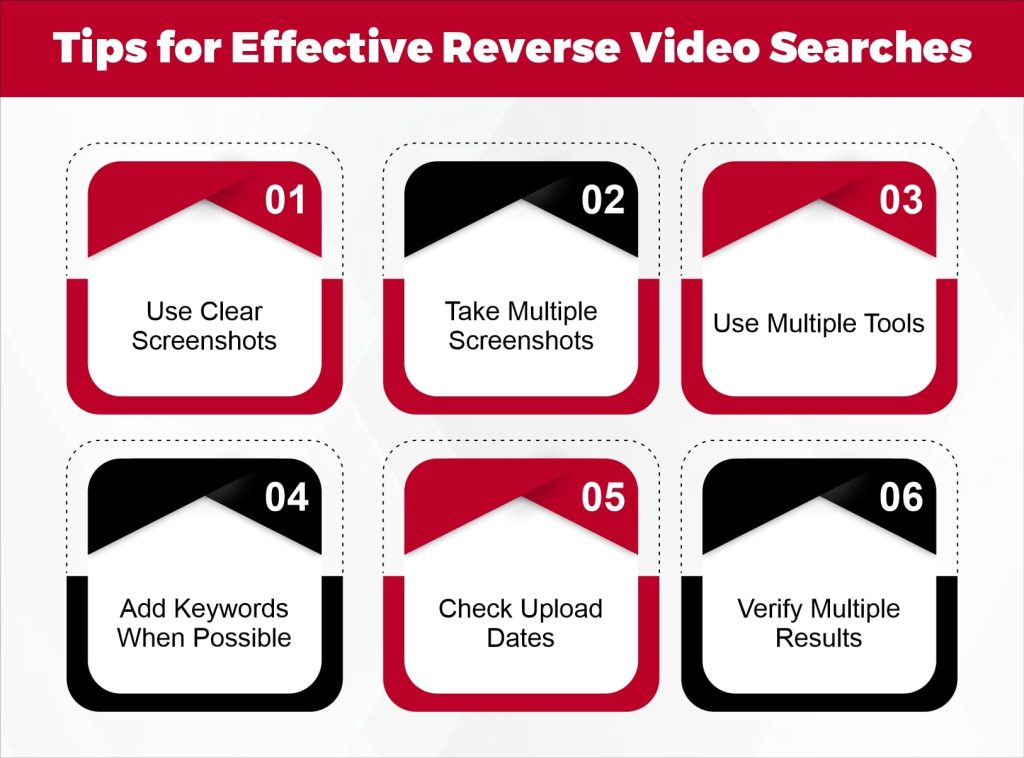
Tips for Effective Reverse Video Searches
Doing a reverse video search can be simple, but following a few tips makes it much more effective. Phoenix Dial’s team of experts recommends these strategies to help you search video reverse accurately and save time.
Use Clear Screenshots
Make sure your screenshots are clean and sharp when you use reverse video lookup tools. Frames that are blurry or of poor quality may not match any results. To make it more likely that you can find the source of a video, take screenshots of different points of it. A screenshot of faces or text in the film, for example, usually performs better than a generic scene.
Take Multiple Screenshots
There are many frames in videos, thus one screenshot might not work. To make your video identification better, record important parts of distinct scenes. This strategy is useful for finding a lengthier version of a small clip or searching for a video in reverse.
Use Multiple Tools
Don’t use just one tool. Use Google, Bing, Yandex, and tools made just for searching for videos. If you use more than one platform, you have a better chance of locating the original upload or other clips that are connected. For instance, Yandex might have a lovely bull unique video, but Google might not.
Add Keywords When Possible
If your reverse search tool lets you type in text, add keywords that describe what you’re looking for. Words from the video title, location, or persons in the clip can help narrow down the results. This can help you find what you’re looking for more quickly and easily.
Check Upload Dates
To find the first version of a video, look at the dates it was uploaded. The first upload is usually the original, even if a video is on more than one site. This is useful for finding the source of a video or checking if it is real.
Verify Multiple Results
Search results can sometimes show copies or modified versions. Make sure you have found the right original video by carefully comparing different videos and sources. This step is important for finding the right video and avoiding fake or misleading ones.
Conclusion
Reverse video search is a powerful tool for anyone who wants to find the original video, verify its authenticity, or track where it has been shared. By using the right methods, taking clear screenshots, and applying multiple tools, you can quickly find the source of a video and avoid misinformation. Whether you are a content creator, researcher, or casual viewer, these techniques make video identification easier and more reliable.
At Phoenix Dial, our team of experts specializes in helping users perform accurate reverse video lookup and search by video efficiently. If you want professional guidance or support with tracking video sources, visit our website today and see how we can help you achieve the best results.
FAQ’s
Can I use reverse video search without creating an account?
Yes, many tools like Google, Bing, and Yandex allow you to search by video without creating an account. Some dedicated reverse video search tools may require signup for advanced features.
Is reverse video search safe to use?
Yes, reverse video search is generally safe. Using trusted platforms and official tools ensures your data and videos remain secure while performing video identification.
Is reverse video search helpful for checking fake news videos?
Absolutely. Reverse video lookup helps verify the authenticity of videos by finding original sources, making it easier to spot misleading or fake content.
How often should I check for video misuse with reverse search?
It depends on how often you post videos online. Regular checks, such as once a month, help track where your videos appear and prevent unauthorized use.
Can I reverse search a video using only the URL?
Yes, some platforms and tools allow search video reverse using a video URL. This method works well when you don’t want to take screenshots.
Does reverse video search support GIFs?
Yes, many reverse search tools accept GIFs. You can upload them like a video frame to perform video identification and find the original source.